
Payments Overview
Introduction to payment management in the Support App
Payments Overview
The Payments section is your primary workspace for viewing, reviewing, and resolving payment transactions. This guide provides an overview of payment management capabilities.
What Are Payments?
Payments represent transactions where customers send funds to merchants. Each payment tracks:
- Payment amount — The requested payment amount
- Actual paid amount — What the customer actually sent
- Fees — Transaction and processing fees
- Status — Current state of the payment
- Customer information — Who made the payment
- Merchant information — Who receives the payment
- Blockchain details — Network, wallet addresses, and transaction hashes
Payment Lifecycle
A typical payment goes through these stages:
Created → Awaiting Payment → Payment Received → Processing → CompletedPayments may require manual intervention if:
- They are flagged for review (compliance, risk)
- The customer sent incorrect funds (wrong token, wrong chain, underpayment)
- Technical issues occur during processing
Key Capabilities
Viewing Payments
Browse and filter all payments in the system. See Viewing Payments for details.
Understanding Statuses
Learn what each payment status means and what actions are available. See Payment Statuses for the complete reference.
Reviewing Payments
Some payments require manual review before they can proceed. Authorized users can approve, reject, or cancel flagged payments. See Reviewing Payments for the workflow.
Resolving Issues
When customers make mistakes (wrong token, wrong chain, underpayment), use the Payment Doctor to resolve issues. See Payment Doctor for instructions.
Tracking History
Every payment maintains a complete event history for audit purposes. See Payment History to learn about event tracking.
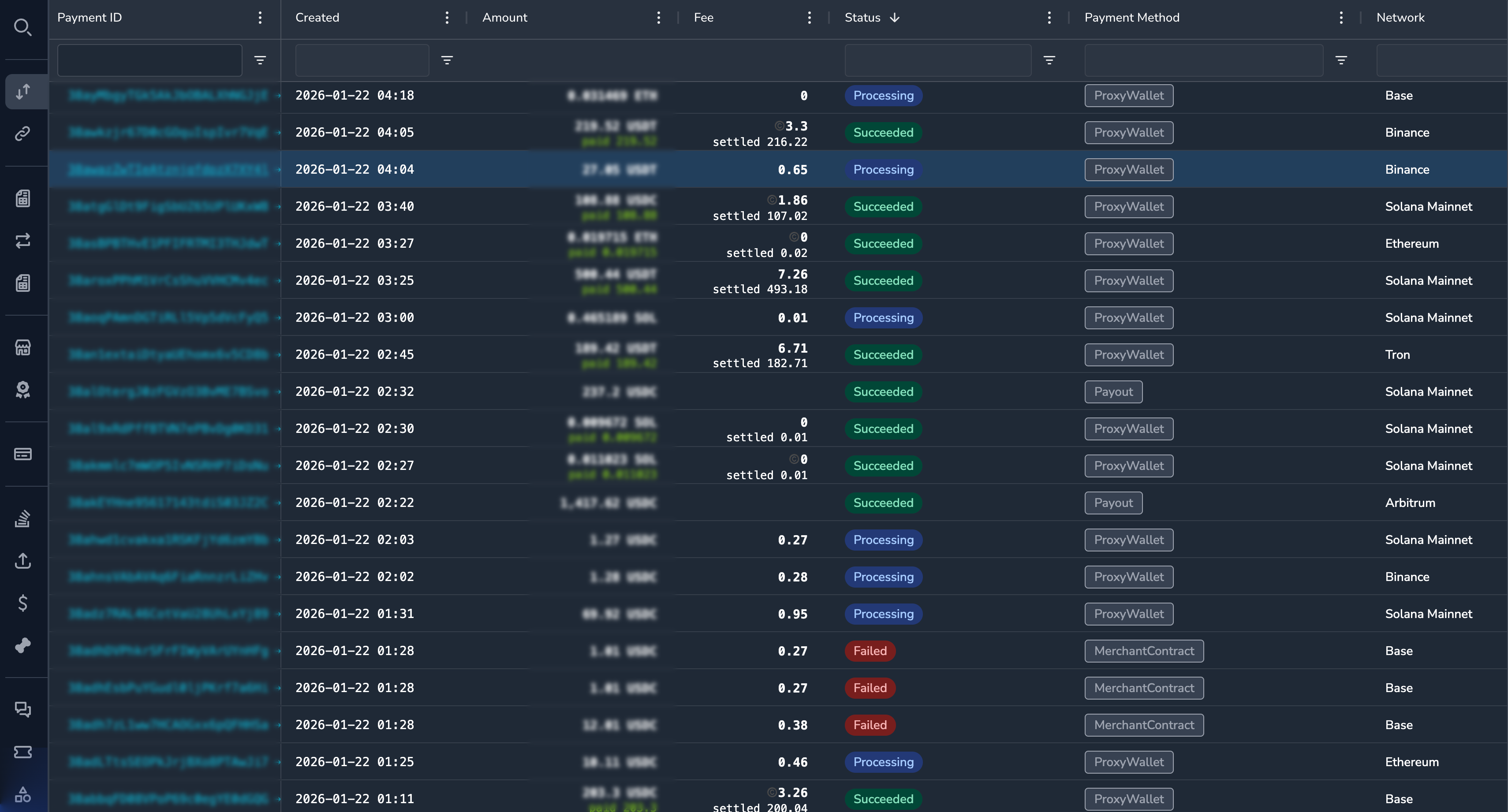
Navigating to Payments
- Click Payments in the sidebar under the Pay section
- The payments list displays with the most recent payments first
Permissions
Different roles have different payment capabilities:
| Role | View | Review | Doctor |
|---|---|---|---|
| Super Admin | Yes | Yes | Yes |
| Admin | Yes | Yes | Yes |
| Payment Ops | Yes | Yes | Yes |
| Compliance Ops | Yes | Yes | No |
| CS Ops | Yes | No | Yes |
| Finance Ops | Yes | No | Yes |
| View Only | Yes | No | No |
Related Sections
- Customers — View customer information associated with payments
- Merchants — View merchant information associated with payments
- Settlements — View how payments are settled to merchants
Updated 7 months ago