
Customers Overview
Introduction to customer management in the Support App
Customers Overview
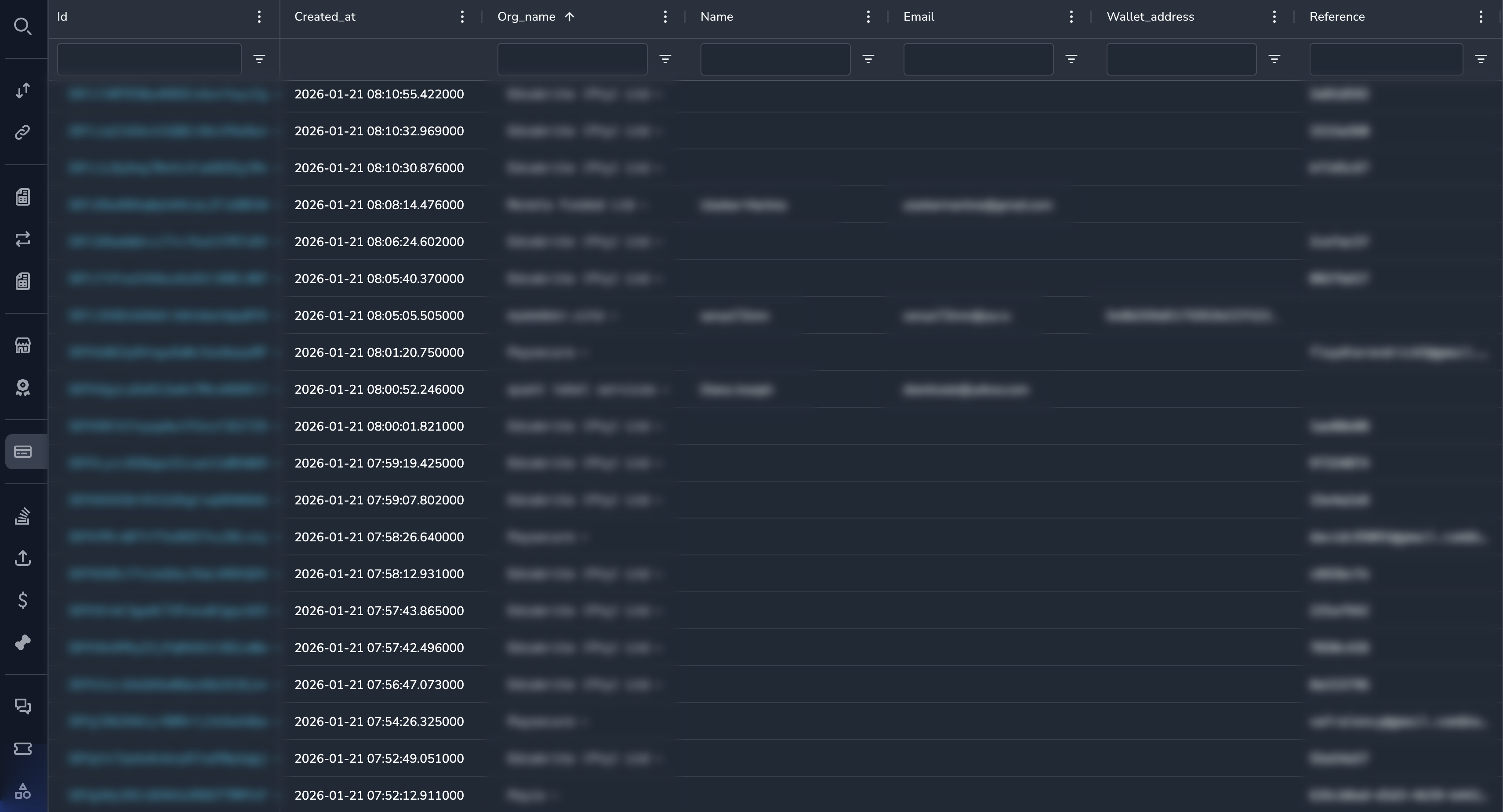
The Customers section allows you to view customer information, manage customer accounts, and support customer-related operations.
What Are Customers?
Customers are individuals or entities who make payments to merchants. The system tracks:
- Customer contact information (email, name, phone)
- Wallet addresses used for payments
- Transaction history
- Payment methods
- Internal notes from support staff
Customer Data Model
Customers exist at two levels:
| Level | Description |
|---|---|
| Customer | A customer relationship with a specific merchant |
| Customer User | The underlying user across all merchants |
A single person may be a "Customer" of multiple merchants but is one "Customer User" in the system.
Key Capabilities
| Capability | Description |
|---|---|
| View Customers | Browse and search customer records |
| View Profile | See customer contact and wallet information |
| View Transactions | See customer's payment history |
| Add Notes | Record internal notes about customers |
| Suspend Customers | Prevent further payments from a customer |
Navigating to Customers
- Click Customers in the sidebar under the Ops section
- The customers list displays all customer records
Documentation Guides
How to find, filter, and browse customer records.
Understanding customer contact information and wallet addresses.
Viewing a customer's payment and transaction history.
Adding and viewing internal notes about customers.
Suspending and managing customer accounts.
Permissions
| Role | View | Edit Profile | Add Notes | Suspend |
|---|---|---|---|---|
| Super Admin | Yes | Yes | Yes | Yes |
| Admin | Yes | Yes | Yes | Yes |
| Payment Ops | Yes | No | Yes | Yes |
| Compliance Ops | Yes | No | Yes | Yes |
| CS Ops | Yes | Yes | Yes | No |
| Finance Ops | Yes | No | No | No |
| View Only | Yes | No | No | No |
Related Sections
Updated 7 months ago
Did this page help you?