> ## Documentation Index
> Fetch the complete documentation index at: https://docs.boomfi.xyz/llms.txt
> Use this file to discover all available pages before exploring further.
# Create an Account
> Sign up, create your organisation, and prepare the merchant dashboard.
Before you call the API, create a merchant organisation in the dashboard and complete business settings.
## Sign in
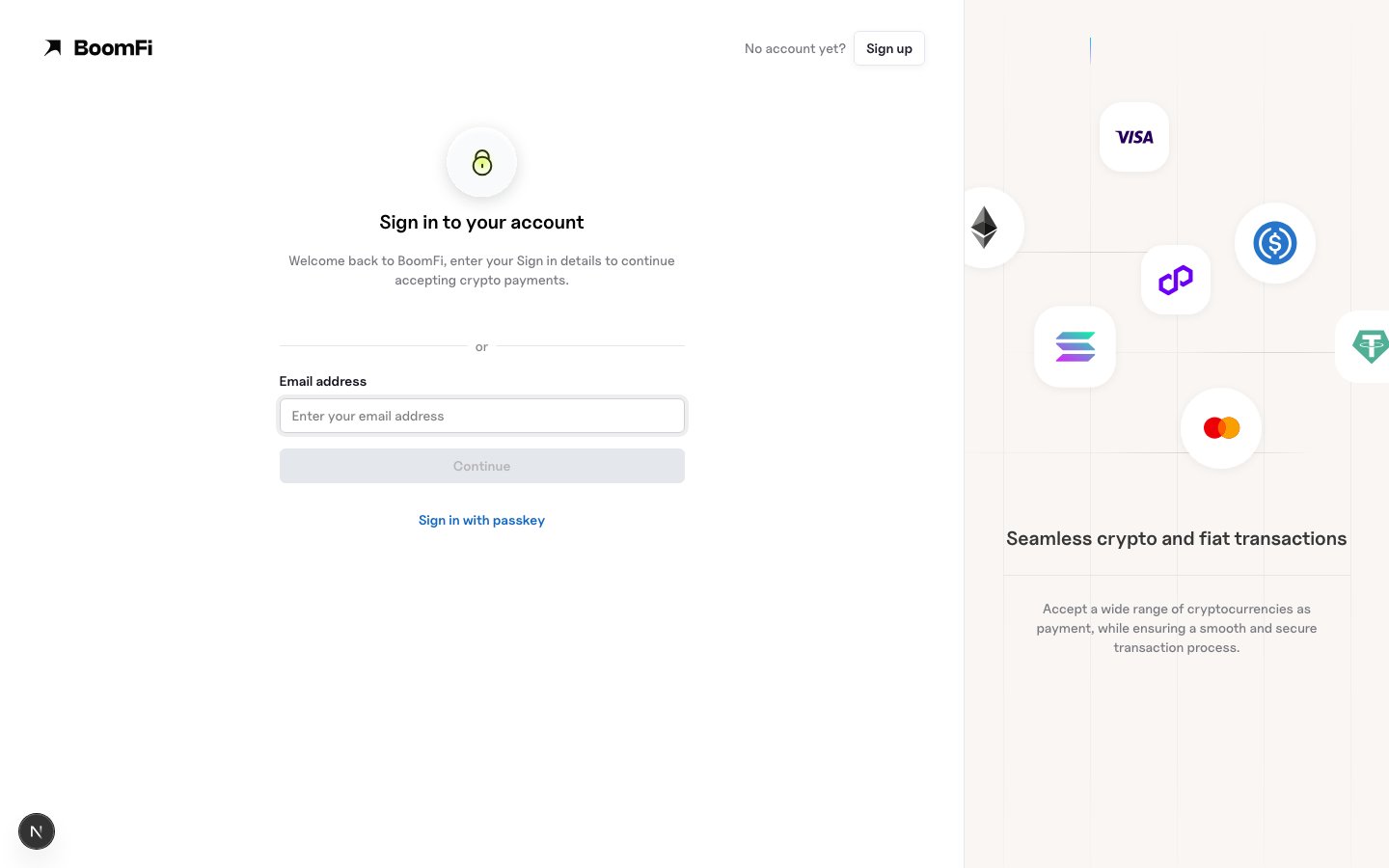
Open [https://app.boomfi.xyz/login](https://app.boomfi.xyz/login) and sign in with your work email (or passkey, when enabled).
 ## Sign up
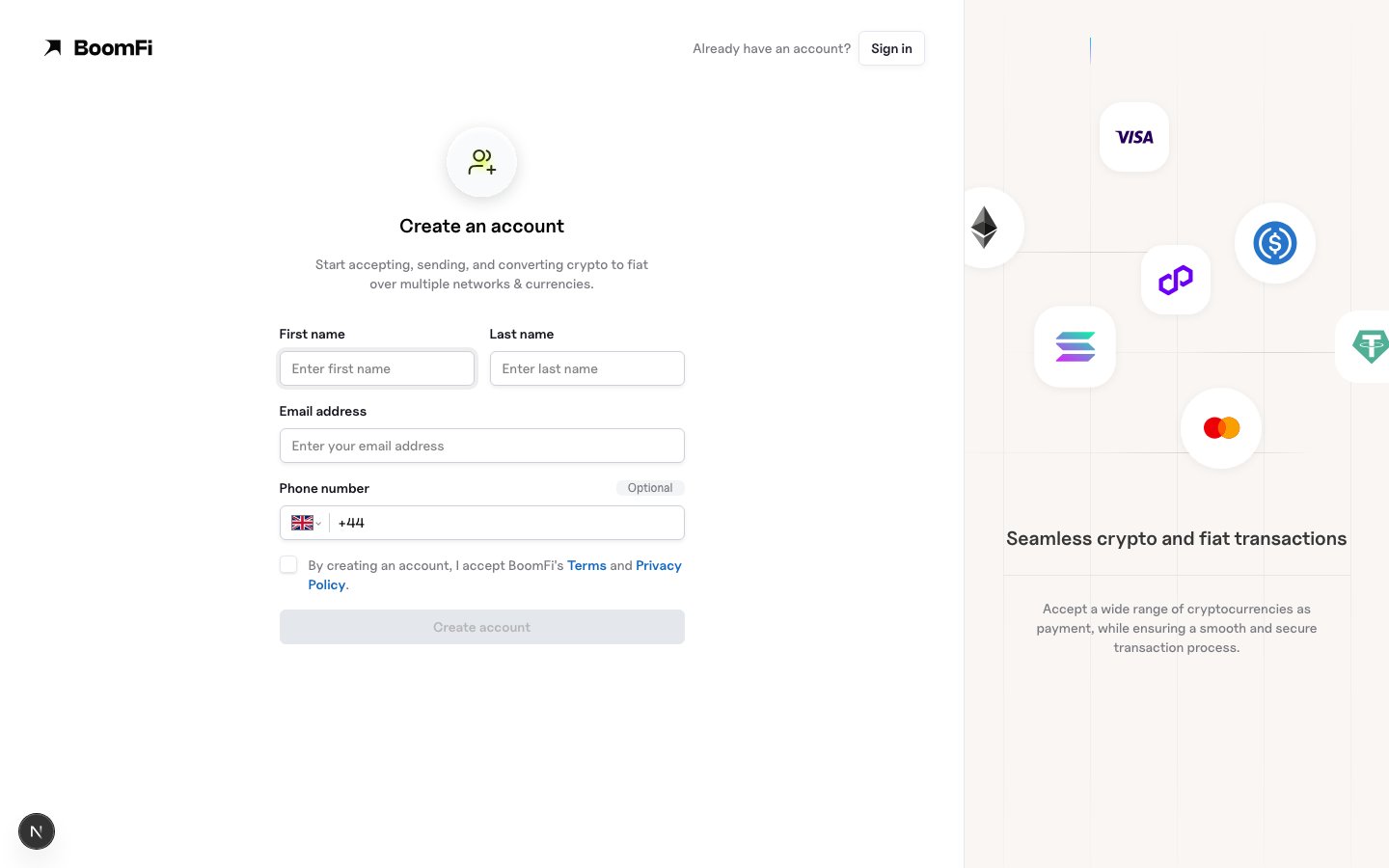
1. Open [https://app.boomfi.xyz/login](https://app.boomfi.xyz/login).
2. Create a user account with a work email.
3. Complete organisation details (business name and related fields).
## Sign up
1. Open [https://app.boomfi.xyz/login](https://app.boomfi.xyz/login).
2. Create a user account with a work email.
3. Complete organisation details (business name and related fields).
 ## Business settings
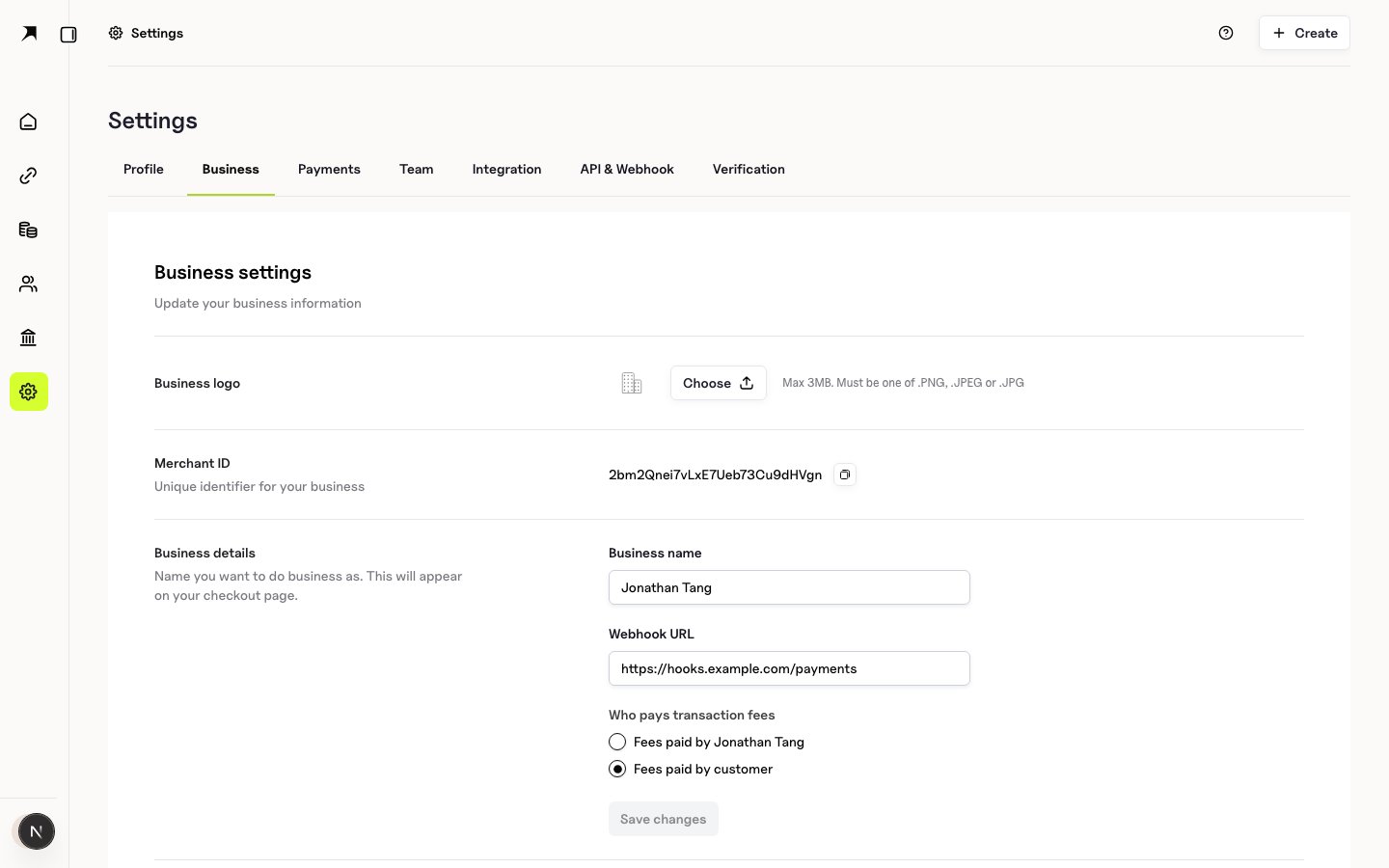
In **Settings → Business** (`https://app.boomfi.xyz/dashboard/settings/merchant`):
* Confirm organisation profile and logo
* Set your **webhook URL** (HTTPS endpoint) when you are ready to receive events
* View or rotate the **webhook public key** used to verify signed deliveries
See [Configure Webhooks](/webhooks/setup).
## Business settings
In **Settings → Business** (`https://app.boomfi.xyz/dashboard/settings/merchant`):
* Confirm organisation profile and logo
* Set your **webhook URL** (HTTPS endpoint) when you are ready to receive events
* View or rotate the **webhook public key** used to verify signed deliveries
See [Configure Webhooks](/webhooks/setup).
 ## Team (optional)
Invite colleagues under **Settings → Team** (`https://app.boomfi.xyz/dashboard/settings/members`). Owner and permission roles control access to API keys and event replay.
## Verification (when required)
Some products (for example OTC) require KYC/KYB. Use **Settings → Verification** when prompted. See [Account Verification and Limits](/pricing/account-verification-limits). Payment-gateway acceptance of crypto paylinks primarily depends on settlement configuration.
## Next steps
1. [Authentication](/authentication)
2. [Settlement Overview](/settlement/overview)
3. [Configure Webhooks](/webhooks/setup)
4. [Choose Your Integration](/choose-integration)
## Team (optional)
Invite colleagues under **Settings → Team** (`https://app.boomfi.xyz/dashboard/settings/members`). Owner and permission roles control access to API keys and event replay.
## Verification (when required)
Some products (for example OTC) require KYC/KYB. Use **Settings → Verification** when prompted. See [Account Verification and Limits](/pricing/account-verification-limits). Payment-gateway acceptance of crypto paylinks primarily depends on settlement configuration.
## Next steps
1. [Authentication](/authentication)
2. [Settlement Overview](/settlement/overview)
3. [Configure Webhooks](/webhooks/setup)
4. [Choose Your Integration](/choose-integration)